
Hello Kitty Party Land Controls — Default Button Layout
Default Hello Kitty Party Land Joy-Con and Pro Controller layouts, plus board-game and camera buttons. Official manual; trailers show no controls legend.
What are the default Hello Kitty Party Land controls?
According to the official game manual, every action can be remapped in System Settings. The manual prints default inputs for a horizontal Joy-Con and for two Joy-Cons or a Pro Controller. Official trailers do not show a controls legend—the closest on-screen hints are generic prompts such as Menu, Sticker Book, and Action at Game Park, which do not list every binding.
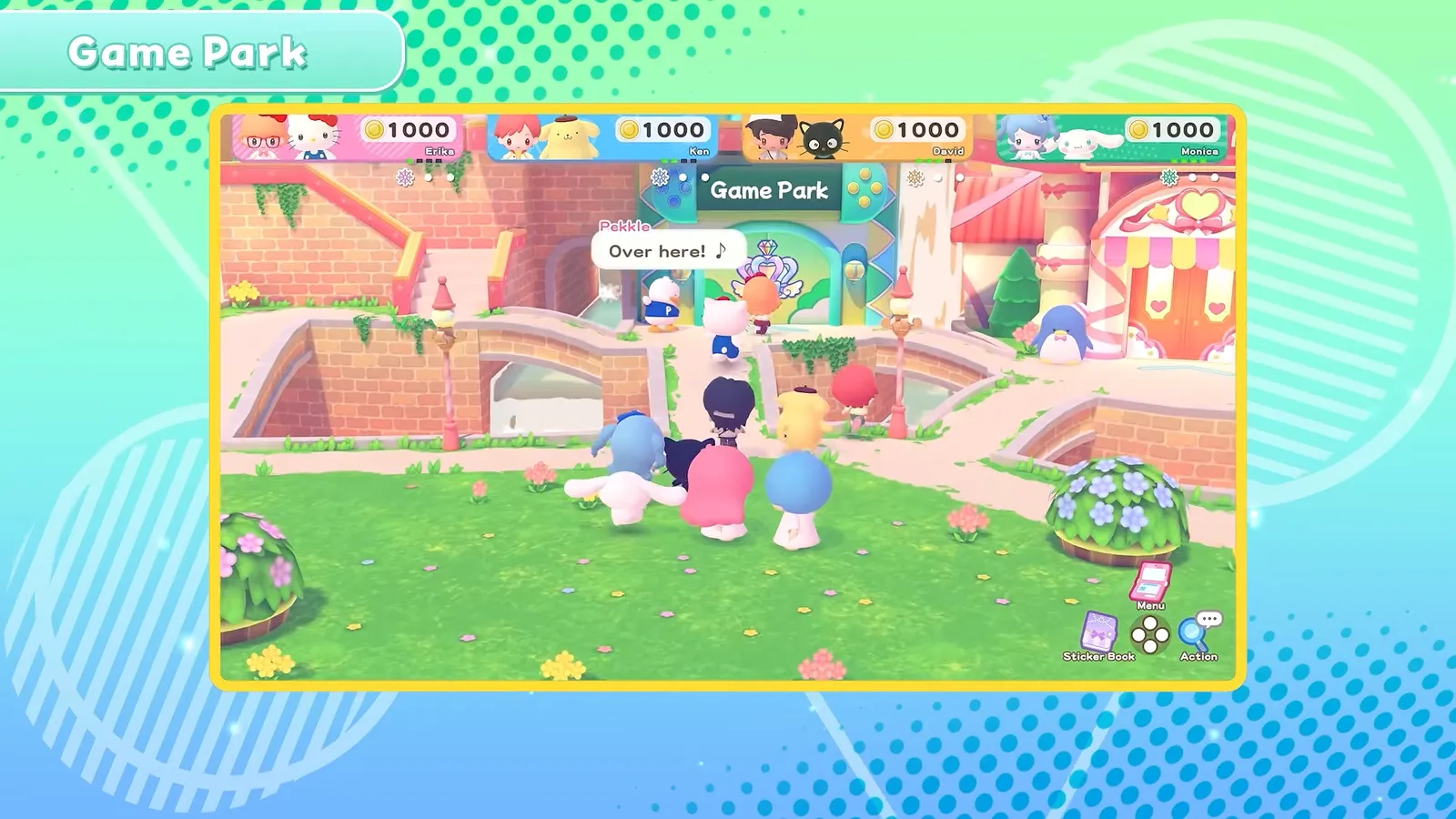
Source: Hello Kitty Party Land Guided Tour (Bandai Namco), 0:48 (video).
Horizontal Joy-Con (default layout)
| Input | Action |
|---|---|
| Stick | Move player, cursor, and similar |
| Right Button | Interact with character/object; confirm selection |
| Bottom Button | Jump; return to previous menu |
| Top Button | View Game Pad |
| Left Button | View Sticker Book; map (board game) |
| + / − (hold) | Open Pause Menu |
| SL | Change camera |
| SR | Use camera |
Two Joy-Cons / Pro Controller
| Input | Action |
|---|---|
| Left Stick | Move player, cursor, and similar |
| A | Interact with character/object; confirm selection |
| B | Jump; return to previous menu |
| X | View Game Pad |
| Y | View Sticker Book; map (board game) |
| + / − (hold) | Open Pause Menu |
| L | Change camera |
| R | Use camera |
How do board game controls work?
Board games at Game Park reuse the same confirm and movement buttons, with a few mode-specific actions described in the manual’s board-game section. If you want the full loop—objectives, spaces, and delivery—read the board game mode overview and the individual board pages.
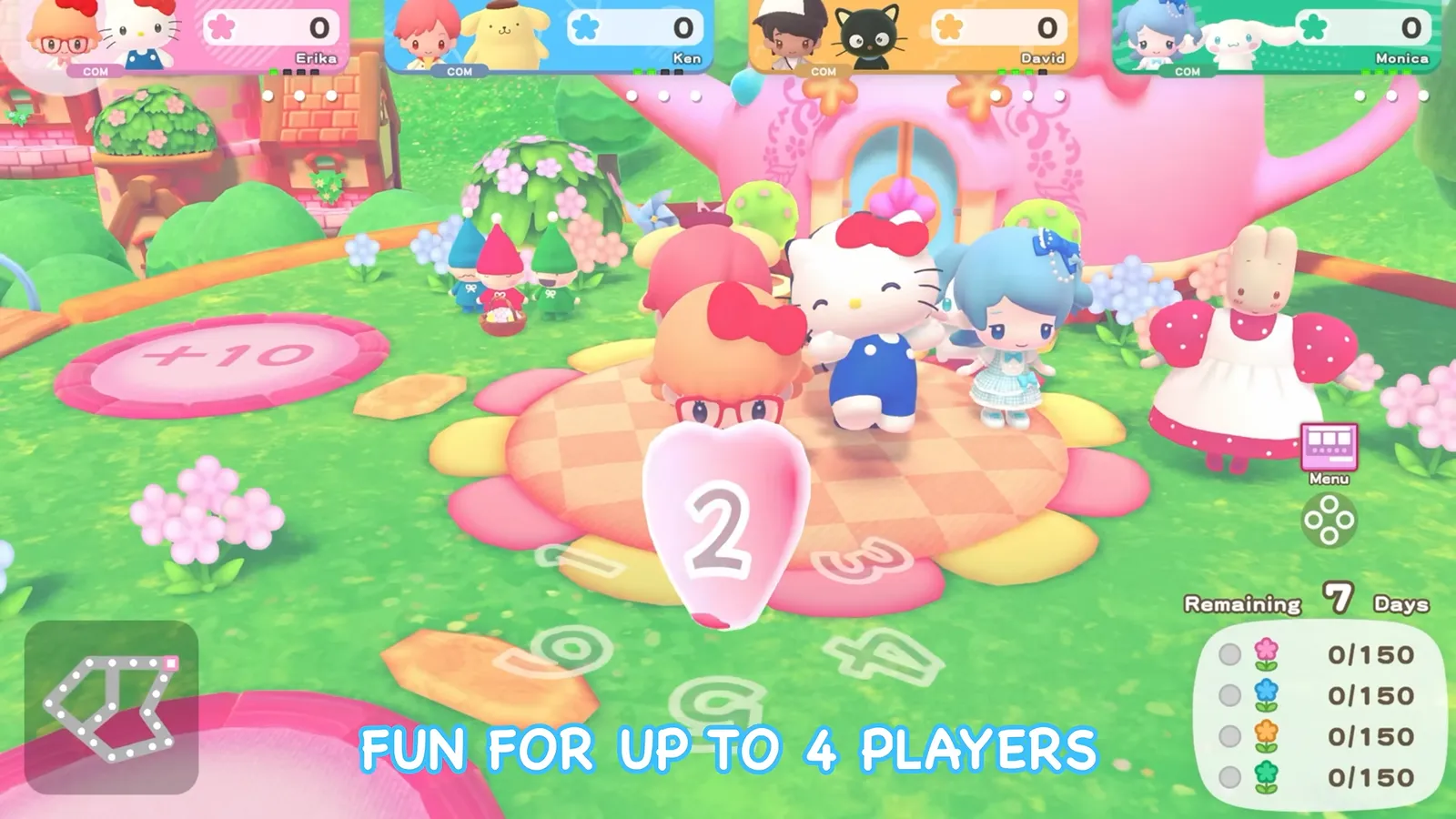
Source: Nintendo Direct 6.9.2026 (Hello Kitty Party Land segment), 0:22 (video).
- Roulette: Press the interact button (Right Button on horizontal Joy-Con, A on Pro / dual Joy-Con) to stop the wheel. You must move exactly the number shown.
- Split paths: Use the stick to choose a branch, then press the interact button to confirm.
- Map: During your turn, press Left Button (horizontal Joy-Con) or Y (Pro / dual Joy-Con) to open the map; move the map with the stick.
- Items: Press Top Button / X to open the Game Pad, select an item, and press interact to use it (some items work on another player’s turn).
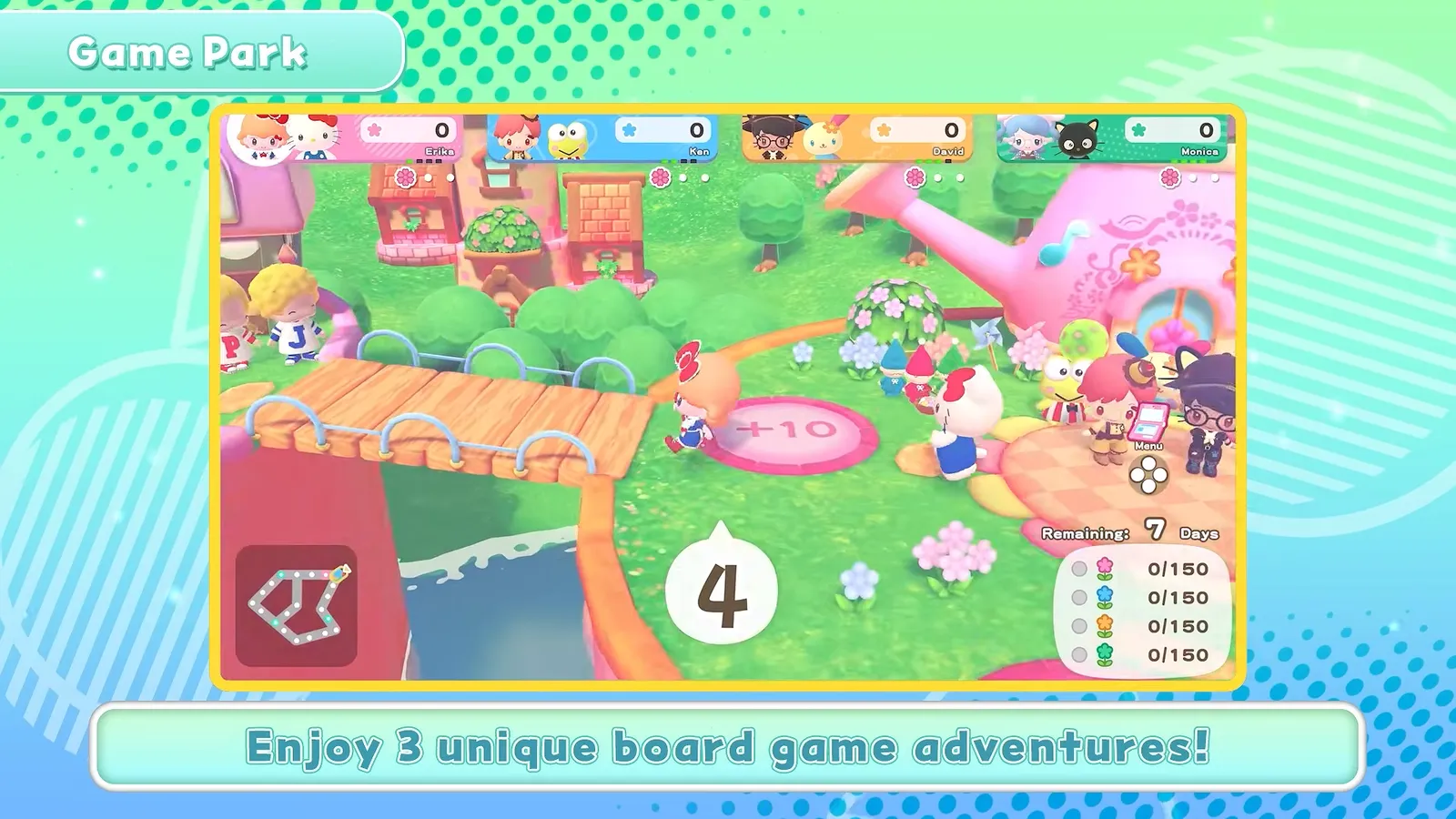
Source: Hello Kitty Party Land Guided Tour (Bandai Namco), 0:56 (video).
Online, the host handles menu picks, camera, Sticker Book, entering buildings, starting board games and minigames, and pausing—see how to play online with friends for room setup.
How do camera controls work in Party Land?
Photos save to your system storage. Press SL / L to change camera type and SR / R to change camera mode. The manual describes three types:
- Tripod camera: Front-facing; zoom with SL and SR; start countdown with interact.
- Selfie stick: Zoom with SL and SR; adjust angle with the stick; countdown with interact.
- Drone camera: Zoom with SL and SR; move viewpoint with the stick; countdown with interact.
Camera target: Press Left Button / Y to pick a focus target for the shot.
Drone modes: Press Top Button / X to switch drone behavior—one mode rotates the camera around the focus when you use the stick; the other lets the stick move the camera freely.
During a photo countdown you can still move (stick), look at the camera (Top / X), jump (Bottom / B), and emote (Left / Y).
Do Melody Cake and Poster Studio use the same buttons?
Yes—they build on the same defaults, with extra menus on the Creative Labo stations.
Melody Cake (left side of Creative Labo) is a cooperative music toy: you decorate cake pieces so top surfaces play percussion and sides play melody, swap top vs side editing with Bottom Button / B, and use SL/SR to switch tool and instrument menus. The manual covers catalog copy/paste, tempo, and connecting matching melodies—details are in-game, not shown in trailers.
Poster Studio (right side) layers stamps on a canvas; SL/SR switch color and stamp menus, Bottom Button / B returns to the canvas, and stick modes handle move, scale, rotate, and full-screen view. Animations can play across sketchbook pages and optionally use a Melody Cake track as background audio.
Neither station has a separate public control chart beyond the manual’s Creative Labo chapters; treat the tables above as your baseline, then follow on-screen prompts in those modes.
FAQ
Can I change the controls in Hello Kitty Party Land?
How do I pause during a board game?
Which button opens the Sticker Book and map?
Do the official trailers show a controls screen?
Related Articles
Board Games
Blooming Flower Festival Board — Flowers, Quota, and Spaces
Blooming Flower Festival rules at Medium: 150 flowers per player, one delivery point, Plus Spaces, Marroncream pickups, and the on-screen HUD.
Board Games
Hello Kitty Party Land Board Game Mode: Rules & Three Maps
How board game mode works at Game Park: three maps, turn order, spaces, petit games, delivery quotas at Medium, and how coins are earned.
Board Games
Sparkling Neon Night Board — Sparks, Charge, and Neon Spaces
Sparkling Neon Night board at Medium: 200 sparks per delivery site, Roulette and TV Game spaces, Goropikadon's show theme, and HUD cues from trailers.
Was this helpful?
Thanks for the feedback!