
Sticker Book and Character T-Shirt in Hello Kitty Party Land
Sticker Book tips: collect stickers in town and minigames, paste them on the Character T-Shirt bonus top, and chase blue-present crown rewards per the manual.
How does the Sticker Book work in Hello Kitty Party Land?
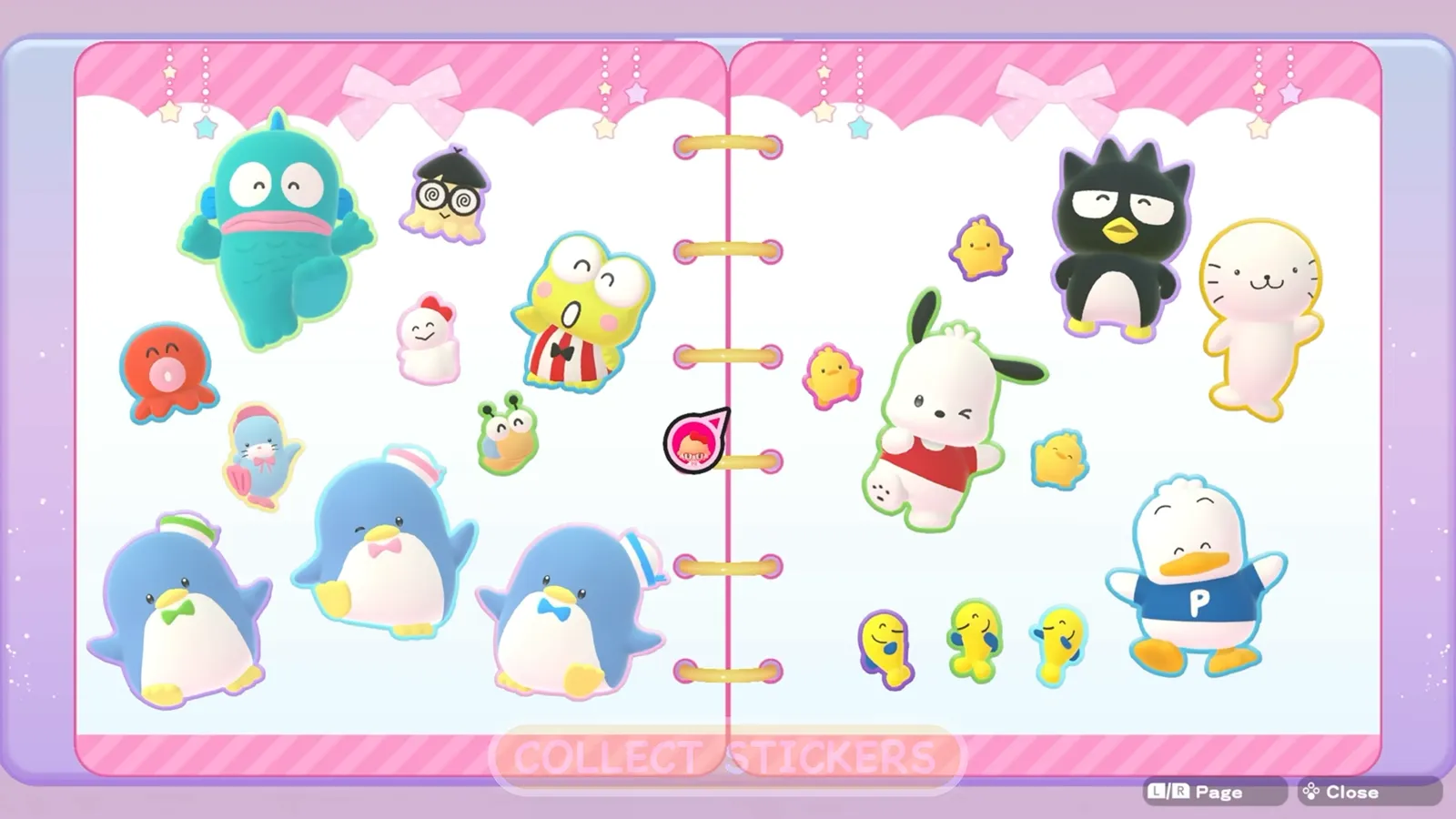
Stickers are Party Land’s collectible scrapbook layer on top of the wider 145+ character cast you meet in town. The official manual says you collect stickers by talking with friends and playing minigames, then view them in the Sticker Book. Marketing footage calls the feature “make your very own sticker book,” which matches the page-flip presentation in the Guided Tour—without replacing the manual’s button instructions.
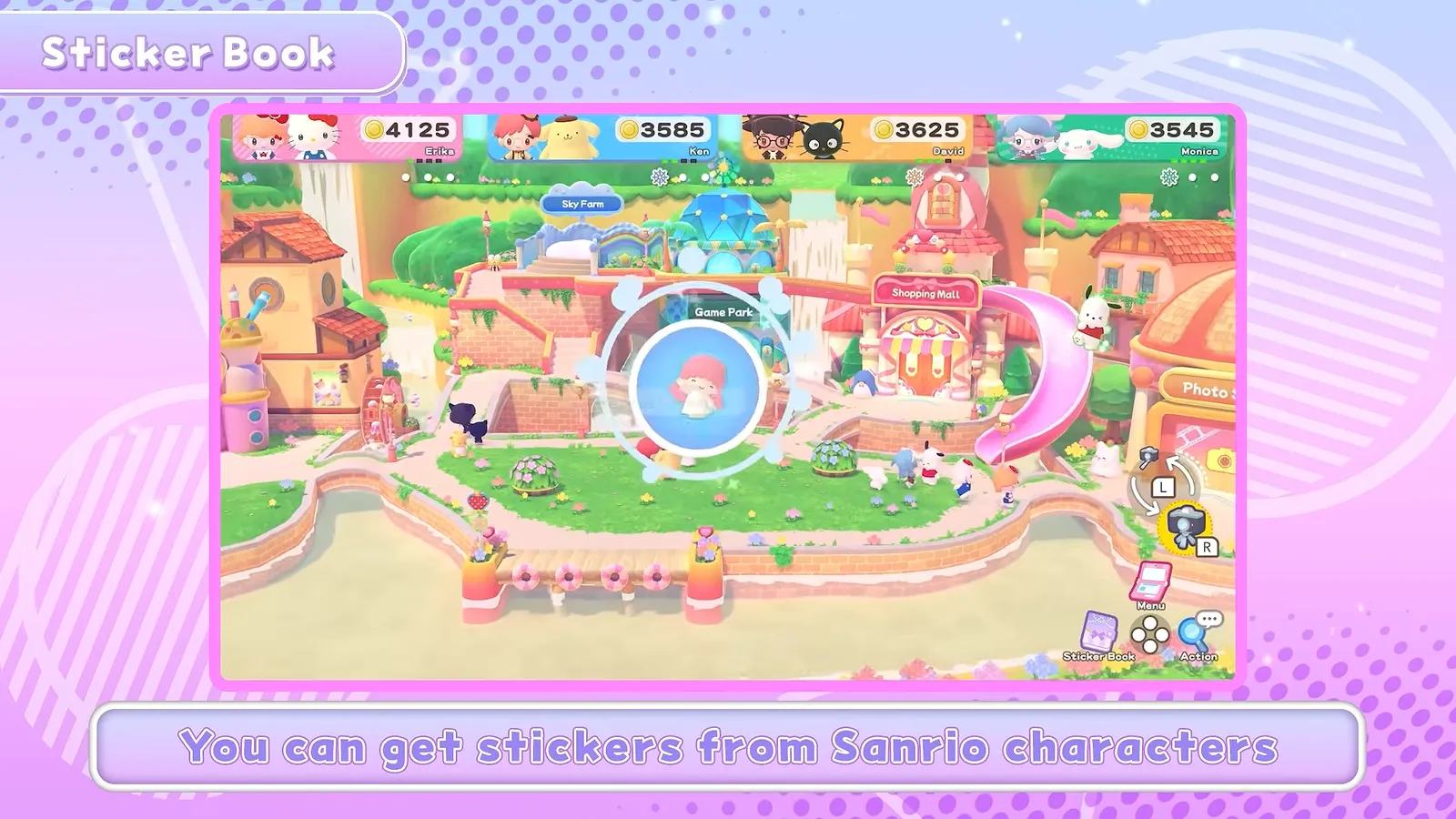
Source: Hello Kitty Party Land Guided Tour (Bandai Namco), 3:00 (video).
Opening and browsing
Controls follow the global layout on the controls page:
- Press Left Button (horizontal Joy-Con) or Y (dual Joy-Con / Pro) to open the book.
- Move the cursor over a sticker to see its name.
- Turn pages with SL / SR, or press interact on empty space.
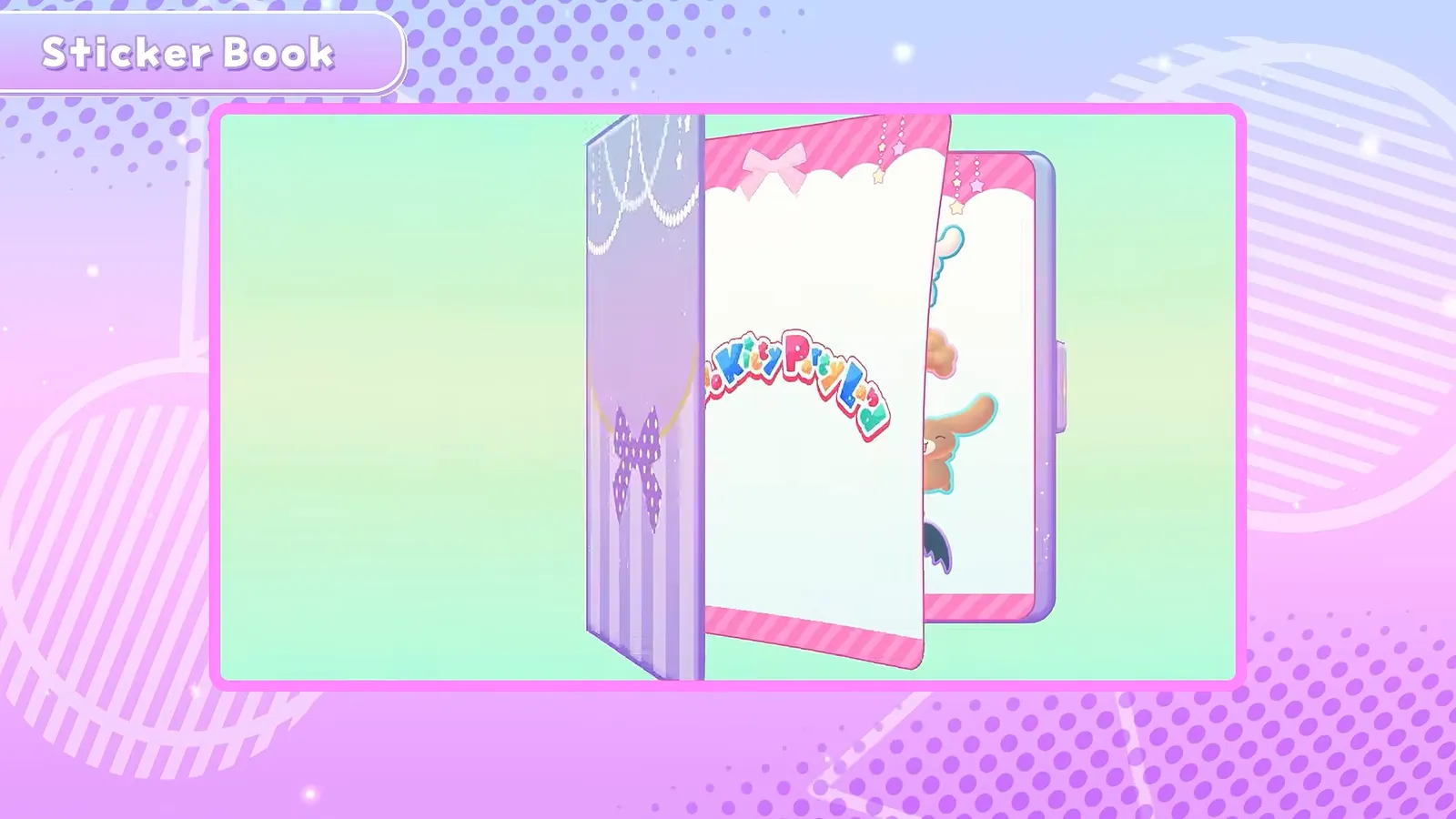
Source: Hello Kitty Party Land Guided Tour (Bandai Namco), 3:04 (video).
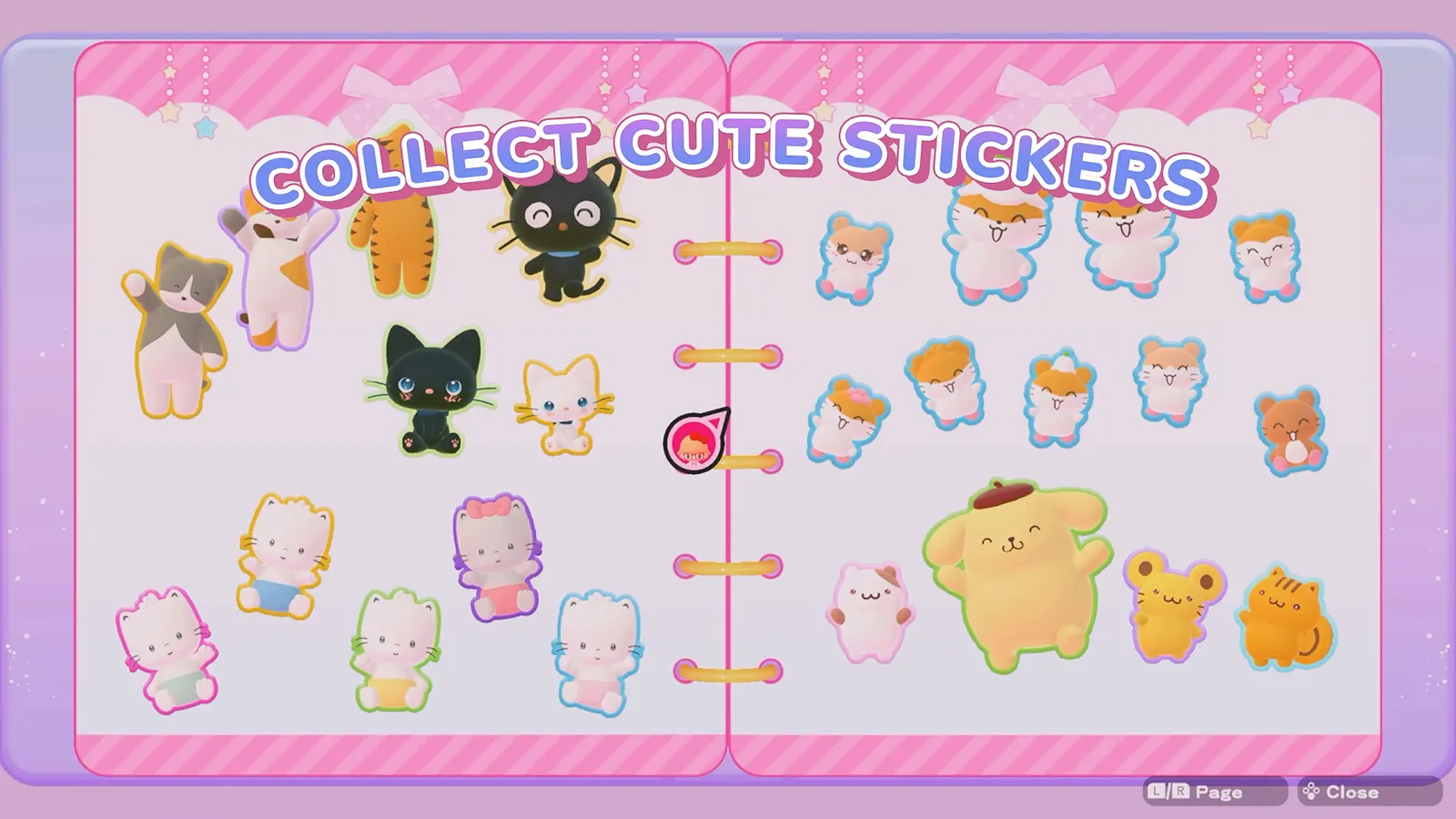
Source: Hello Kitty Party Land Launch Trailer (Nintendo), 0:36 (video).
Partner characters you pick before play are not the same as every sticker portrait—town encounters feed the album while partners travel with you. For who counts as a selectable partner versus background friends, see all playable partner characters.
How do stickers relate to the Character T-Shirt?
If you own the Character T-Shirt top, you can apply stickers to the shirt fabric. In the Sticker Book, highlight a sticker and press Left Button / Y to paste—mirroring the map/Sticker Book binding on the same button.
The Character T-Shirt is the early purchase bonus: enter the download code on Nintendo eShop to redeem, per the manual. That is separate from in-game coin shopping at the mall. Pre-order marketing shows Bonus Avatar T-shirts with 80 character options on the grid card; those avatar shirts are not the same item as the in-game Character T-Shirt top, but both belong to the dress-up ecosystem described in our codes and pre-order bonus guide.
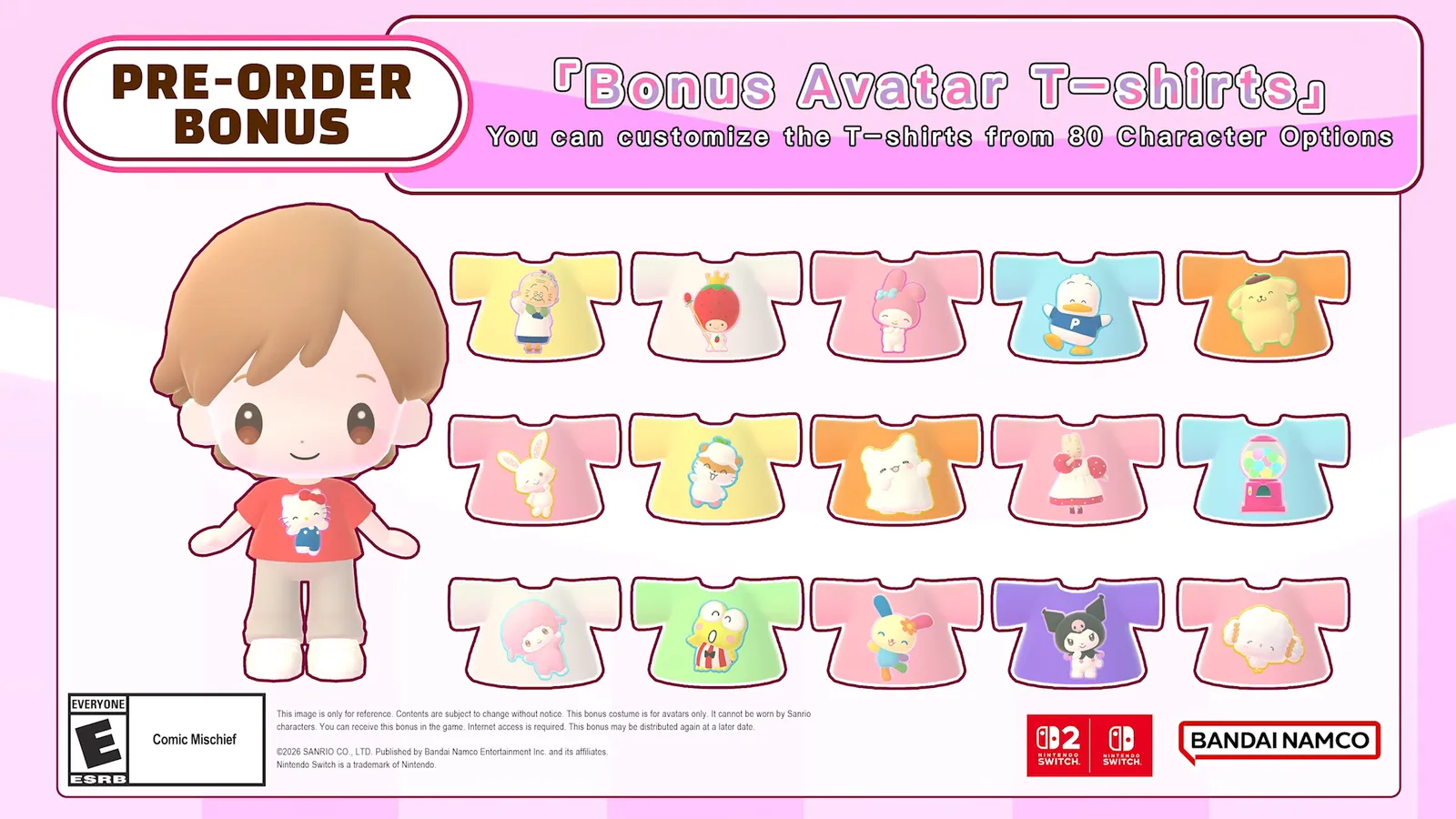
Source: Hello Kitty Party Land Announcement Trailer (Bandai Namco), 1:24 (video).
Source: Nintendo Direct 6.9.2026 (Hello Kitty Party Land segment), 0:32 (video).
Can minigames grant special stickers?
Yes, optionally. The manual’s Minigame Corner section notes that clearing all difficulty levels of a minigame might grant a special sticker, and tells you to watch for the blue present icon. Crown tiers (Easy, Medium, Super Hard) are explained on the difficulty settings and crown challenges page. The Minigame Corner itself—the rightmost Game Park counter where you can freely replay any minigame—is the practical place to chase those clears once you unlock entries.
For the broader minigame count (“over 45” in official copy), see the all minigames list hub.
Who can open the Sticker Book in a group?
Per the manual, that is the host’s job. The host duties include opening the Sticker Book, alongside menu selections, camera use, entering or leaving buildings and starting board games or minigames. Offline, controller 1 is the host; online, whoever created the room is. If you share a console, pass the host controller to whoever wants to browse or paste stickers onto the Character T-Shirt, and online, ask the room’s host, because the manual assigns that action to them. The full list of host duties is on the online play guide.
Where else do stickers come from?
The manual names only a few sources:
- Talking with friends (the characters you meet around town)
- Playing minigames, including the freely replayable ones in the Minigame Corner
- Clearing every difficulty level of a minigame, which may give a special sticker marked with the blue present icon
- The Labo Puzzle at Creative Labo, which the manual says can earn coins, stickers, or tools
Anything else, such as exact drop rates or a complete checklist, is not published, so treat any list claiming one as unverified. Coins and stickers are separate rewards: coins buy clothing at the Shopping Mall, while stickers are collected in your Sticker Book and can be pasted onto the Character T-Shirt.
FAQ
How do you open the Sticker Book?
How do you put stickers on the Character T-Shirt?
How do you get the Character T-Shirt?
Who can open the Sticker Book when you play with friends?
What is the blue present icon for?
Related Articles
Board Games
Blooming Flower Festival Board — Flowers, Quota, and Spaces
Blooming Flower Festival rules at Medium: 150 flowers per player, one delivery point, Plus Spaces, Marroncream pickups, and the on-screen HUD.
Board Games
Hello Kitty Party Land Board Game Mode: Rules & Three Maps
How board game mode works at Game Park: three maps, turn order, spaces, petit games, delivery quotas at Medium, and how coins are earned.
Board Games
Sparkling Neon Night Board — Sparks, Charge, and Neon Spaces
Sparkling Neon Night board at Medium: 200 sparks per delivery site, Roulette and TV Game spaces, Goropikadon's show theme, and HUD cues from trailers.
Was this helpful?
Thanks for the feedback!